Archive for the ‘Libraries/Info Sci’ Category

My supervisor, Pam Sessoms, has spent years building up the IM reference service throughout campus at UNC. Up until recently, we’ve been using a combination of a custom Pidgin client and Meebo widgets to make the system run. But recently we swapped out the Meebo widget for a custom javascript-based chat widget that Pam and her husband have coded up on their own.

It’s still pretty early in development, but I think their ‘libraryh3lp’ system is an amazing step forward. For one thing, javascript has a much higher compatibility rate than Meebo, which relies on flash. I even got it to work on my iPod touch’s browser! It is also much better from an accessibility point of view, and plays nicer with screen readers for the visually impaired. Also also, the service runs on a custom Jabber server which gives the library much more internal control than relying on a third party network.

Eventually routing and queueing functions will be added, steering the product much more toward library-based usefulness than any of the IM clients currently out there. I’m really excited to see where this goes!
Here’s the project wiki: http://libraryh3lp.com/wiki/Main_Page

And the Google Code page: http://code.google.com/p/libraryh3lp/

And lastly, you can sign up for an account and get your widget up and running with these instructions:
http://code.google.com/p/libraryh3lp/wiki/WebChat

Some of the most interesting conversations I had at Midwinter were about the need for libraries to understand the culture of a social networking website before trying to market services through it. Here’s a couple of great posts on the topic.

I’ve actually been meaning to post about this for a while. At my previous job, I experimented with creating a basic Facebook application that could search the catalog and a few other information silos. It worked great. Just one problem: nobody used it. Not one person installed the application who wasn’t staff or a student worker.

I didn’t take the culture of Facebook into account when creating that app. Why do people go to the site? Not to do scholarly research, that’s for sure. Or even if they did - why clutter up your profile with yet another application when it adds no value at all? Clicking to a similar search page on the library’s website was a far more convenient process than navigating through Facebook’s interface.

So let’s turn it around - instead of lamenting what students don’t like on Facebook, focus on what they do like. One simple response is that they love widgets. Little profile gadgets that show off some aspect of their personality or daily life. They also love updating status messages, telling the world a little about where they are or what they’re doing. So, why not combine these? Create an application which lets users pick a spot on the library floor plan and display that on their profile. “When I’m studying at the library you can find me here!” Students learn a little bit about the library’s layout while finding their spot, and the presence of the widget reminds their friends that the library exists.

Of course, I’d want to put a lot more thought into a project like this before going ahead with it. With social networking site endeavors, there is a fine line to walk. Some things are worth doing regardless of potential impact, just because they’re so simple. For example: Set up a Facebook Page for your library with a Meebo IM widget. (This has the added bonus of preventing someone else from setting up a Page with your library’s name…) That project would take about fifteen minutes for someone reasonably familiar with how Facebook is set up. Even if only one single person ever takes advantage of the service, it is probably still a worthwhile use of time. But I ultimately threw away a lot of time on my Facebook catalog search widget, an end product which has had absolutely zero impact.

We can’t just wade into the middle of a social networking site and proclaim we know what is best for it. I am extremely disturbed that some librarians are actively working to circumvent anti-spam measures in Facebook (as reported on the PLA Blog). This not only annoys users, but also runs the risk of getting the library booted off of Facebook entirely.

Different libraries can have very different user populations walking through their front doors, and libraries put a lot of effort into understanding those populations’ needs. Why should the online world be any different?

IMG_2232

I wanted to post about this while the conference was ongoing, but couldn’t quite fit it in. Staffing the gaming booth kept me much busier than I expected. Along with Jenny Levine and Matt Roach, we demoed and instructed people on the games countless times and answered even more questions about them. And like Jenny mentioned, Nintendo and Sony are missing out big time by not exhibiting at these events. If I could have sold Wiis, Guitar Hero and DDR setups on commission all weekend I could take the rest of the year off - people were constantly asking to buy them from us.

But yes, it all went very well! Some people were a bit skeptical of the validity of gaming in a library setting, but I think we won most of them over after some conversations. And absolutely nobody was outright hostile to the idea, something that has changed dramatically in the last couple of years.

What really struck me was the diversity of people who played a round or two. We had young children of conference attendees, some retirees, and every age in between. Some were hardcore gamers, others completely new to the concept. Some conference center security guards even stopped by for a while, though we didn’t manage to convince them to play.

Being out in the registration hall this time instead of the crowded exhibit floor was a good move. We still had large crowds of passersby, but didn’t have to worry about annoying neighboring vendors. The same games (and probably more) will also be available to play at Annual in Anaheim this summer, so be sure to check it out!

We also got some great press on gaming in libraries from the Philadelphia Inquirer’s website, including an editorial by ALA President Loriene Roy and some video footage. I’m interviewed a bit in the latter, which is pretty cool but I always hate watching myself on video. I’m just glad they didn’t catch me playing DDR!

Ambient Information

January 7th, 2008 2 Comments

2007 was the year I finally embraced mobile web browsing. I added a text message package to my phone, which let me get a ton of use from services like Google’s txt integration. I experimented with the DS’ Browser, which gave me a taste of real web access on the go. I added a basic data package to my phone, which freed me from the shackles of wi-fi hot spots. Most recently I added an iPod Touch to my collection, the browsing capabilities of which blow everything else out of the water.

(Funny side story - I didn’t even know my previous phone was capable of handling text messages until I’d had it for about three years, and only discovered this when a friend sent me a message. I was so confused at first.)

Stephen Abram recently posted a link to a story titled “Ten Things That Will Change Your Future”. What intrigues me most from the list is an upcoming product called “The Chumby”. It’s an internet-connected device slightly larger than a coffee mug that sits somewhere in your home and runs through a selection of widgets. It’s a weather station, a flickr photo album viewer, an MP3 player, an eBay auction watcher, an e-mail checker, whatever you want it to be.

Mobile computing can provide me with on-demand information, but other than blackberry-style push e-mail that only works when I actively initiate the demand. By contrast I can set up a device like the Chumby to anticipate my needs. I could keep it in my living room, glancing to check on a soon-closing auction whenever I walk by, or have it alert me to breaking traffic tie-ups. Of course, just about any home PC could be customized to do this now. But a PC and monitor tasked as a Chumby-style appliance almost never looks very good, almost always takes up too much space, and is certainly overkill for the job.

Now, we’re approaching a point where form and function will meet. I’m not saying the Chumby is the be-all/end-all device, but I’m really excited to see what comes next.

Gaming at Midwinter

January 7th, 2008 No Comments

I’ll be at Midwinter this weekend, helping to staff ALA’s gaming pavilion. We’ll have Guitar Hero, DDR, and a Wii with assorted games - all out to play! We’ll be near the internet cafe which I’m told will be in the registration hall. Gaming will be running Saturday, Sunday and Monday from 9-5, and my shift is from 9-1 each of those days.

Stop by and say hi! If you need an extra incentive: we’ll be raffling off a DS!

With the release of Facebook’s new Pages system, libraries can now create an official presence not tied to an individual staff member’s account. But once created, options for what you can do with that page are still somewhat limited. For reasons I don’t entirely understand, not all Facebook applications that users can add to their profiles can also be added to a Page. As best I can tell, Application creators have to specifically allow this to happen in their options. And once they do, there are still a host of other issues that sometimes rear their heads.

One thing I really wanted to do was embed a Meebo widget in our library’s page, allowing users to IM a librarian directly from there. Of the two existing Meebo apps, one has not enabled the option and I can’t get the other to work right. So, here’s a temporary workaround:

Thankfully, Facebook has provided an app called Static FBML (FBML is the FaceBook Markup Language, the code that makes the magic happen). Essentially, this app is a blank slate. You can insert whatever custom code you like into it. We can use this to display a Meebo widget without too much difficulty:

Step 1: Add the Static FBML application to your Page.

Step 2: Edit the options. Go with whatever Box Title you like (I went with ‘IM a Librarian’).

Step 3: This is the meat and potatoes. Put this code in the FBML box:

<fb:swf swfsrc=’http://widget.meebo.com/mm.swf?XXXXXXXXXX’

imgsrc=’INSERT CLICKTHROUGH IMAGE ADDRESS HERE’

width=’380′ height=’300′ />

(NOTE: A commenter pointed out that you may have to replace the single curly quotes displayed in the code with non-curly quotes to get the code to work right. I can’t get my post to cooperate and display straight ones for some reason)

Step 4: Replace the X area with the link to your own Meebo widget.

Step 5: Replace INSERT CLICKTHROUGH IMAGE ADDRESS HERE with your own clickthrough image. Facebook will not display flash elements like a Meebo chat unless a user clicks on it. So you’ll need to create an image your users see, telling them to click on it to initiate a chat. For example, here’s what I’m using as my clickthrough:

Feel free to steal this image for your own use, just please host it on your own server and use your own bandwidth.

That should do it! Let me know if I can clarify anything here, as I’m just writing it off the top of my head. Hopefully this won’t be necessary for long and one of the ‘real’ Meebo widgets will enable Page usage soon.

You can see this live on the UNC Davis Library Facebook Page (still heavily under development): http://www.facebook.com/profile.php?id=6041853741

If you’d like to play with more custom content on your Page, Facebook has also created the rather aptly named Static FBML 2 and Static FBML 3 apps.

One thing I’m really bummed about missing at UAH once I leave is this December’s second annual E-Info Global Symposium. Last year we had great feedback from everyone who attended.

This year Stephen Abram has generously agreed to be program chair. (His welcome is here) He and Jane Dysart have pulled together an amazing list of speakers. And not to sound too much like an ad, but registration is just the low low price of $99! (Keeping it affordable to attend has always been one of our main goals) We’re currently working out arrangements for free registration for current MLS students and librarians from NAAL member institutions.

The conference will be December 6th and 7th, 2007. The most up to date info on speakers is on the symposium blog. So far topics like Transformation Leadership, Five Weeks to a Social Library, Social Tools on a Shoe String, Gaming in Academic Libraries, and other cool stuff are filling up the docket.

Here’s the official Symposium site: link

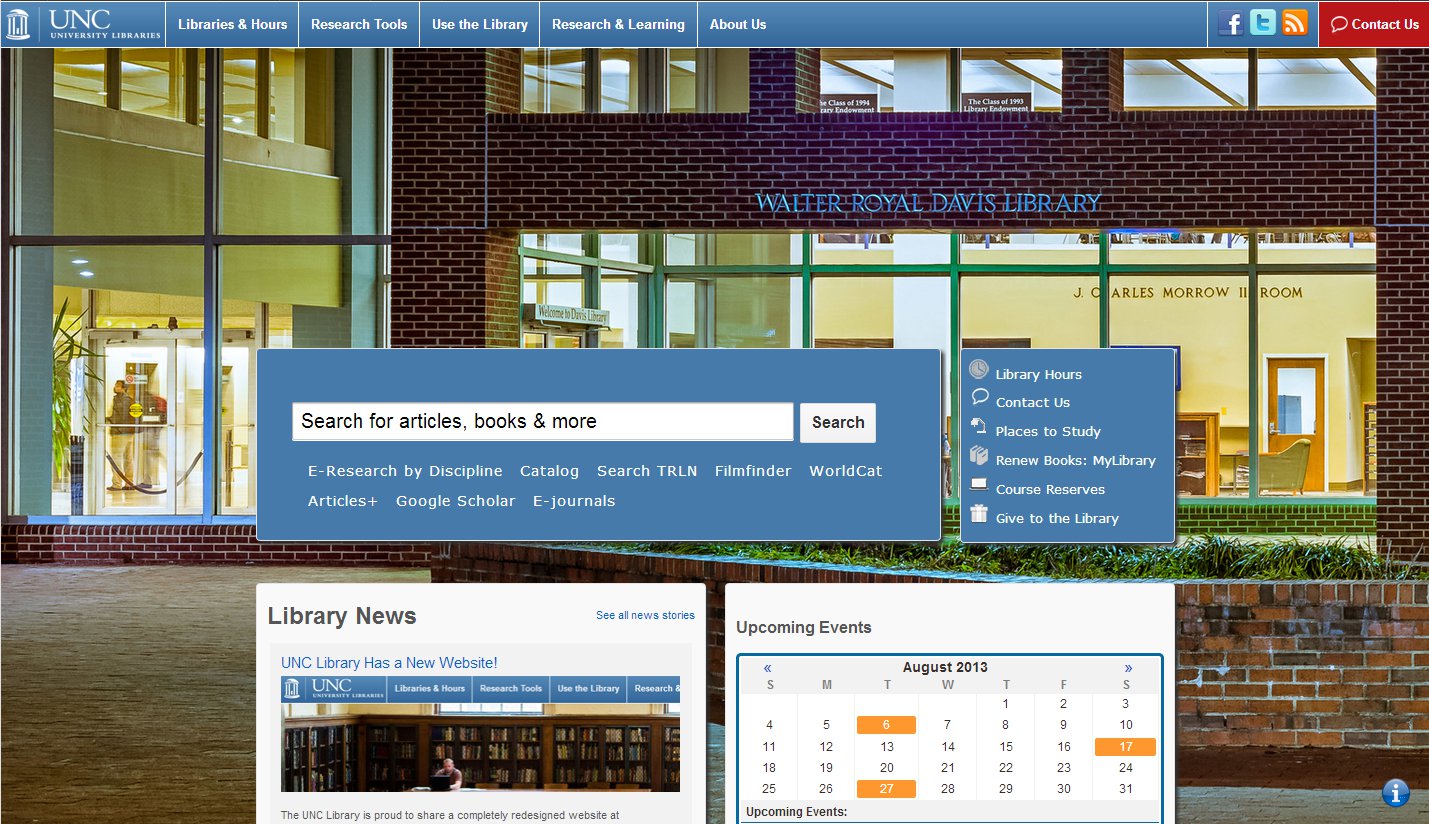
Starting November 5th, I’ll have a new job - “Reference Librarian for Emerging Technologies” at UNC Chapel Hill - Davis Library! The full position description is online here for now.

The decision to leave UAH was a hard one, and I’ll genuinely miss working with everybody there - I’ve learned an immeasurable amount from them all and was able to get experience in just about any area you can think of. But this is a good move for me, and I can’t pass up the opportunity.

So, it’s going to be a busy couple of months :) I’m really looking forward to getting started.

IMG_1921
That went really well! I lost count of the number of positive comments we had from students, including “This is the best campus event I’ve ever been to!” Of course, there are some things that I’d do differently next time, but for first timers I think we did pretty well.

I think the main thing I’d do differently is spread out the console games around the room. We held the whole event in one large open room that usually have reserved for quiet study. For ease of keeping an eye on things, the console team (myself and one other person) had the three 42″ HDTVs lined up in a row. One was Guitar Hero 2, another was Halo 2, and a third was random open play on an Xbox 360 or Wii. Once the tournaments started, a sizeable crowd grew around each one and it was really hard for lots of people to see the screens at once. Putting one TV in each corner of the room, or maybe back to back, might have worked better.

I also learned that laying out specific rules for every possible eventuality is a necessity. I thought the rules I drew up based on other examples of tournaments were very clear, but the participants found many holes to poke in them and I had to make a lot up on the fly :) Thankfully everybody was very good natured about it and I heard almost no complaints at all. Above all, be consistent with the rules. Don’t start making exceptions, and it’ll all work out.

IMG_1900I also learned a little bit about game selection. While we had it available for free play, we did not have an organized Smash Brothers tournament. But people were asking for one constantly. Two different groups of students even brought their own TVs and gamecubes to play it on. So next time, we will definitely schedule that in.

Here’s the full Flickr picture set. At this point we are thinking of doing it again in the spring, or maybe sooner. But the setup was killer - we had to borrow tables and chairs from a church in town, which they very generously offered to us. But hauling them in and out of the U-Haul and the second floor of our building almost killed us. Next time I’d like to do the physical setup a day or more in advance if at all possible. I had a student ask if we could do it again next week, and my muscles instantly started aching.

I’m really, really happy with how successful this event was. Thank you to all our staff who were so willing to help set up, pick up, and stay until midnight.

I’ve forgotten to post an update about this until now - oops!

Our inaugural LAN party at the library is coming together very nicely for this thursday night! Note that the time has changed slightly.

On the PC side we’ll have an organized Counterstrike: Source tournament. On the Console side we’ll have organized Halo 2 and Guitar Hero 2 tournaments. Each of these will have a cash prize (the exact amount is still being worked out). Free play will also be available on these games, with some Wiis and other random games around to play too.

Plus, feel free to bring your DS or PSP! Signups for the tournaments will be on site that evening only. Full tournament rules will be made available in the next day or so on the official site: http://lib.uah.edu/lanparty/

We’ll also have representatives on hand from the US Army’s “America’s Army” game, which is developed right here in Huntsville. I’m told they’ll have free copies of the game and other swag to give away. A representative from their development team will be presenting about how gaming is useful in the real world, and Dr. Richard Petty will provide a counterpoint to that argument with his own presentation in one of our computer labs.

I’m really excited about this! Assuming it goes well, we’re going to seriously look at making it a regular event at the start of every semester.

And again, the official site has a full schedule and more information. There’s also a Facebook event page.

(and we will of course have free food!)